Depthmap
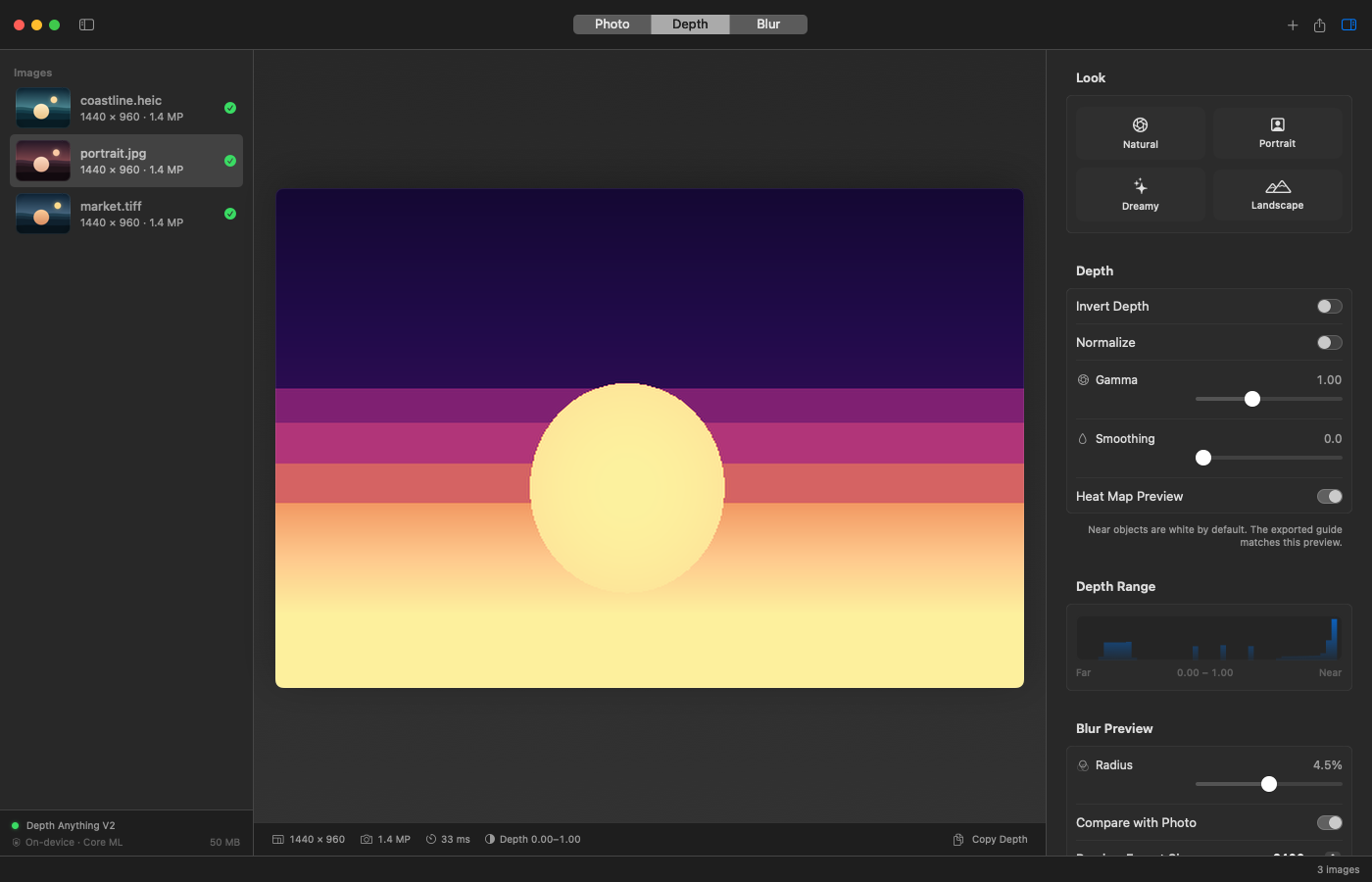
Depthmap produces a greyscale depth map from a single photograph — near objects white, far objects black — for use as a depth source in Photoshop’s Lens Blur, as a mask for a blurred layer in Affinity Photo or Pixelmator Pro, or anywhere else that accepts a depth or alpha channel.
The whole pipeline runs on-device. Nothing is uploaded.
Two interfaces
The command-line tool handles batches. It reads files and directories, writes 16-bit TIFF or 8- and 16-bit PNG, preserves orientation and pixel dimensions, and can render a simulated shallow-depth-of-field preview so the result can be judged before it reaches an editor. JSON output makes it usable from scripts.
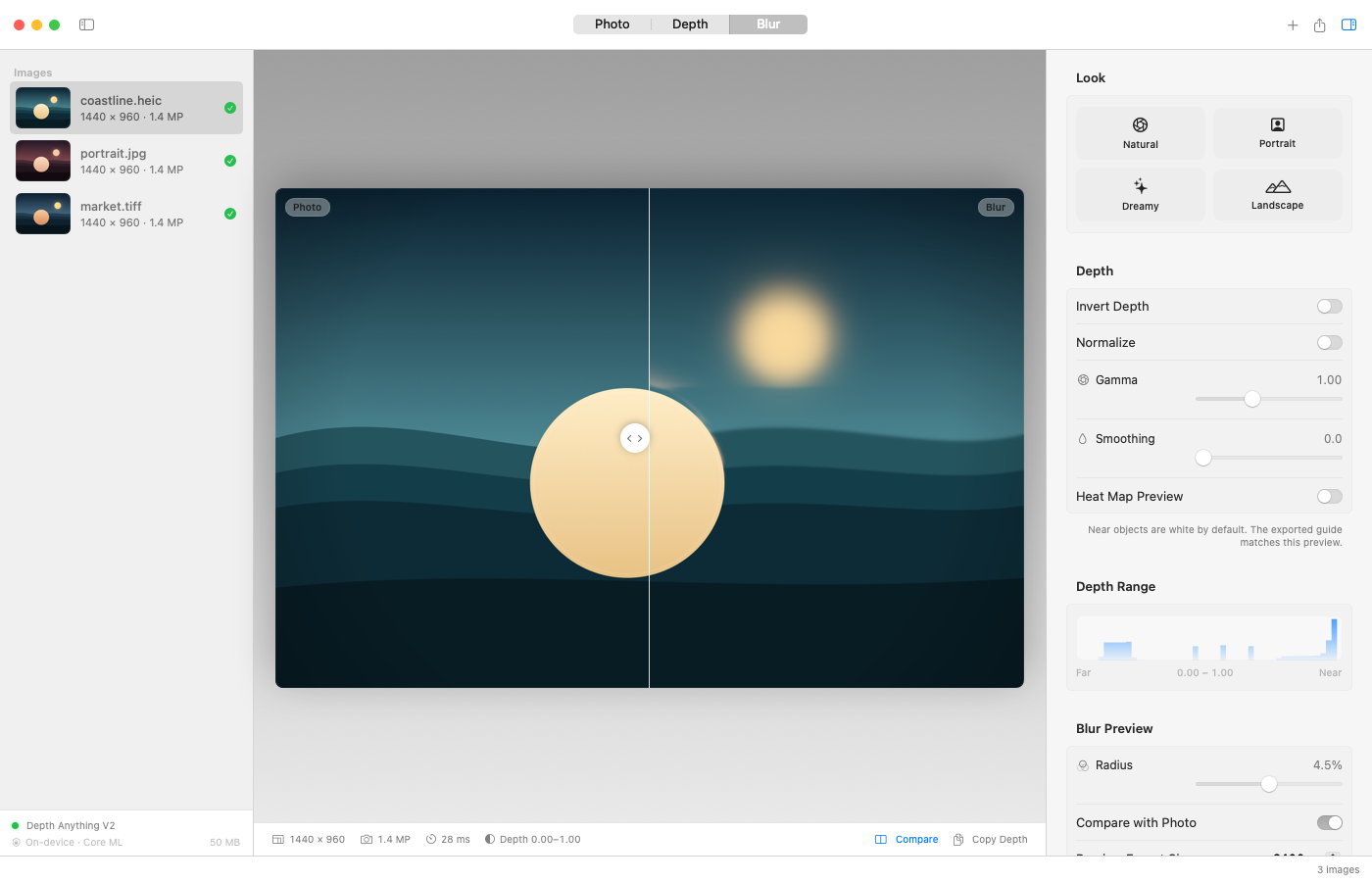
The companion app puts the same engine behind a normal macOS window: drag and drop, Photo, Depth, and blur previews, a before/after slider, presets for natural, portrait, dreamy, and landscape depth, and batch export for a queue of images. There is a Finder service and a copy-to-clipboard action for pasting straight into an editor.
How it works
Depth Anything V2 Small is converted to Core ML and runs with the Neural Engine preferred. The model is downloaded on first use, compiled once, and cached. Output is a 16-bit greyscale image at the source photo’s full resolution, with EXIF orientation applied, so the map lines up when it is loaded as a layer.
A monocular depth model estimates relative depth, not distance. That is enough for a blur guide, but thin structures — hair, branches, wires — and transparent objects remain difficult. The preview exists so those mistakes are visible before an edit begins rather than after.
The CLI is written in Swift and builds with the Command Line Tools alone; a full Xcode installation is not required.
Built with
- Swift
- SwiftUI
- Core ML
- Depth Anything V2