ColorHawk
ColorHawk captures a region of any display, one window, or a synthetic demo pattern and measures every frame on the GPU. It shows a histogram, waveform, vectorscope, and CIE 1931 xy diagram in a small, always-available window.
It is built for the moment when a photograph or a grade has to be judged by what the pixels actually contain rather than by what the display appears to show. Frames go from the capture surface into Metal textures; analysis and trace rendering happen on the GPU, and the CPU only reads back a small set of statistics a few times a second. Nothing is recorded, written to disk, or transmitted.
The scopes
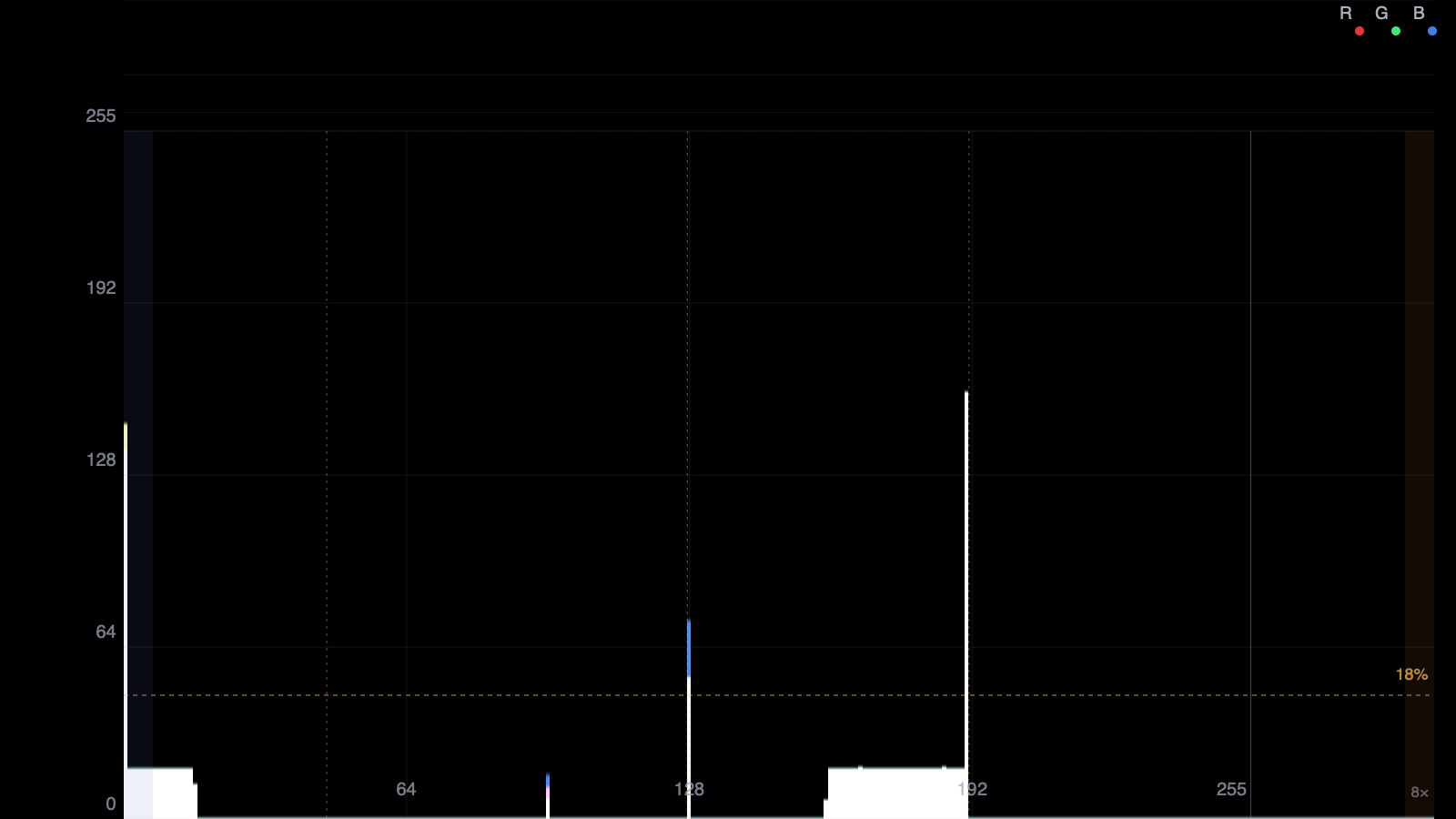
The histogram supports overlay and parade layouts, linear, square-root, and logarithmic scaling, per-channel toggles, and clipping indicators. The waveform uses IRE-style level labels and a bilinearly splatted trace that stays smooth at any window size.
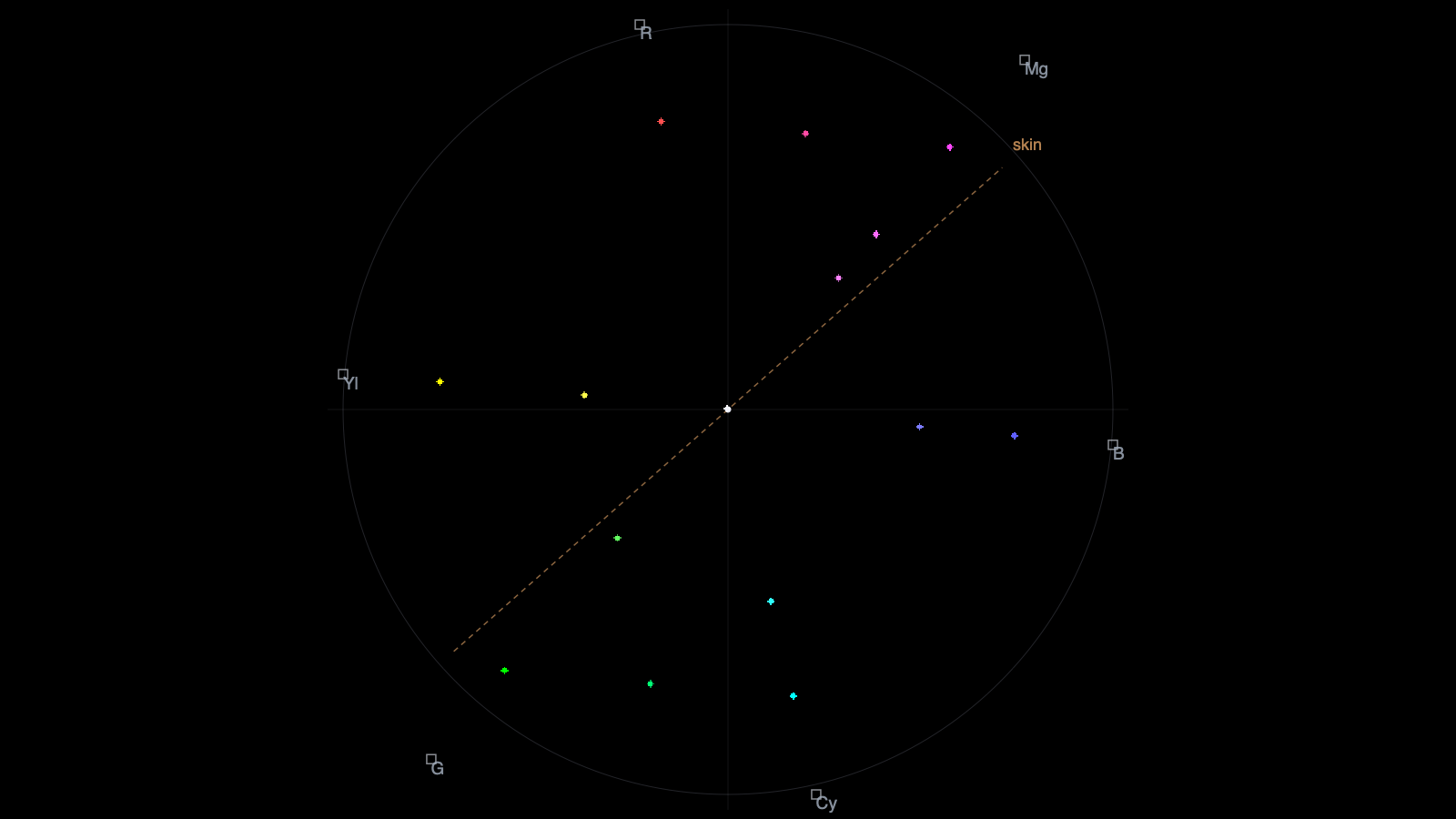
The vectorscope has 75% and 100% graticules, labelled RGB targets, a neutral marker, and an adjustable skin-tone guide. Trace colour is reconstructed from the measured chroma vector, so a cluster shows the hue it actually encodes. A CIE 1931 xy diagram adds the spectral locus, sRGB, Display P3, and Rec. 2020 gamut triangles, and readouts for mean, median, σ, min/max, clipping, mean chroma, and correlated colour temperature.
Capture
Three sources can be switched while running: a display or a selected area of it, a single window captured independently of what covers it, or a deterministic demo pattern for checking the rendering without screen-recording permission.
Capture size is computed from the display’s point size and backing scale, so the stream delivers true device pixels. ColorHawk excludes its own windows from display capture, so the scope never measures itself.
Lineage
ColorHawk is the current tool in a line of scope experiments. ColorSlop explored GPU binned analysis and phosphor persistence; Scopefriend took a menu-bar overlay approach for measuring games and 3D viewports. Both were useful, and both are now superseded by this one — the Metal analysis path, capture sources, and guide handling came together here.
ColorHawk requires macOS 26 or later, Swift 6, and Screen Recording permission. It has no dependencies beyond the system frameworks.
Built with
- Swift 6
- Metal
- ScreenCaptureKit
- SwiftUI